Band rehearsal recording · Lyricsheets Pro
Record the rehearsal.
Practice with the song.
Keep rehearsal takes with your lyrics and chord charts. Record, listen back, and work through a section with the material in front of you.
01 / Record · Listen · Rehearse
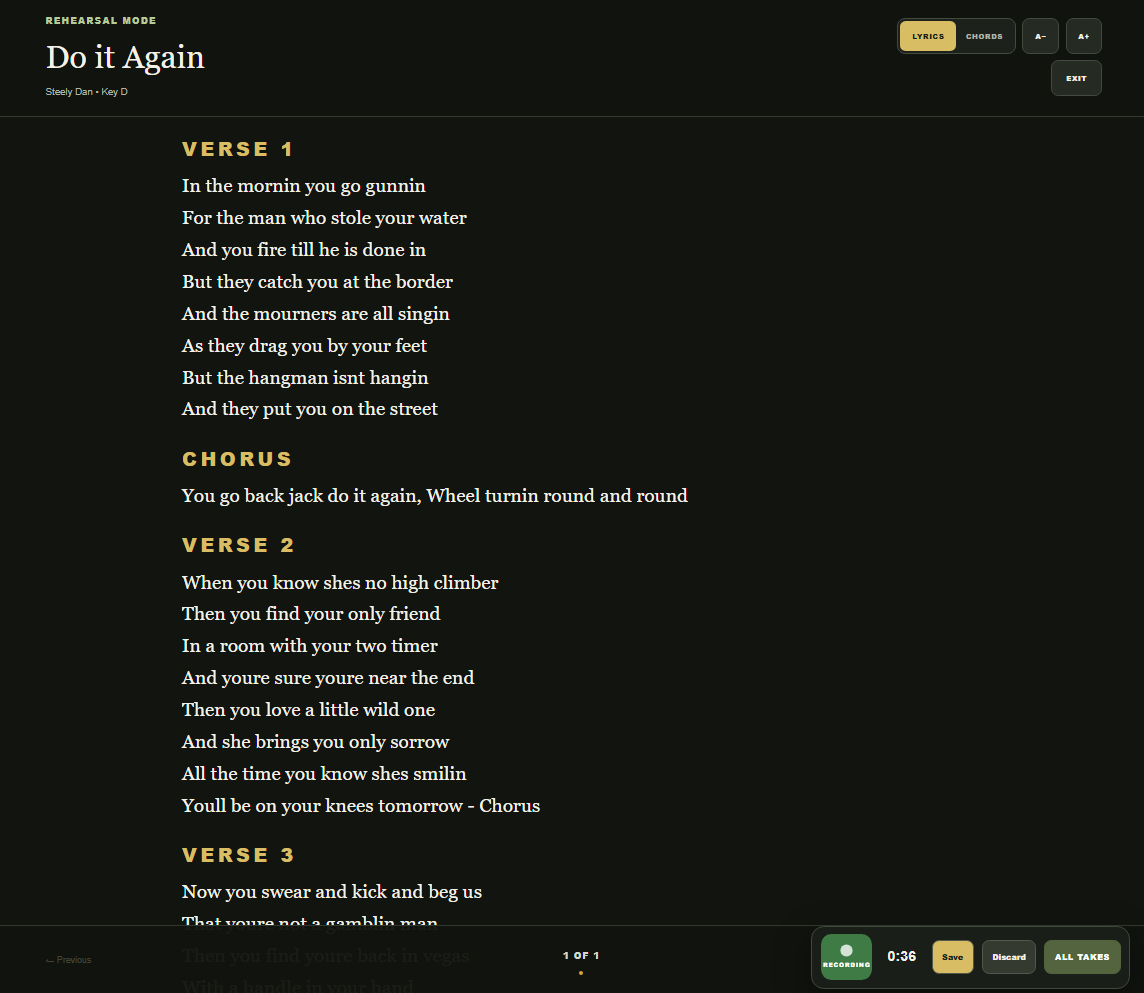
Record while the song stays in view.
Open rehearsal mode and keep your lyrics in front of you while you capture a take. The recording timer, Save, and Discard controls stay within reach, so you can decide what to keep when the run-through ends.
02 / Record · Listen · Rehearse
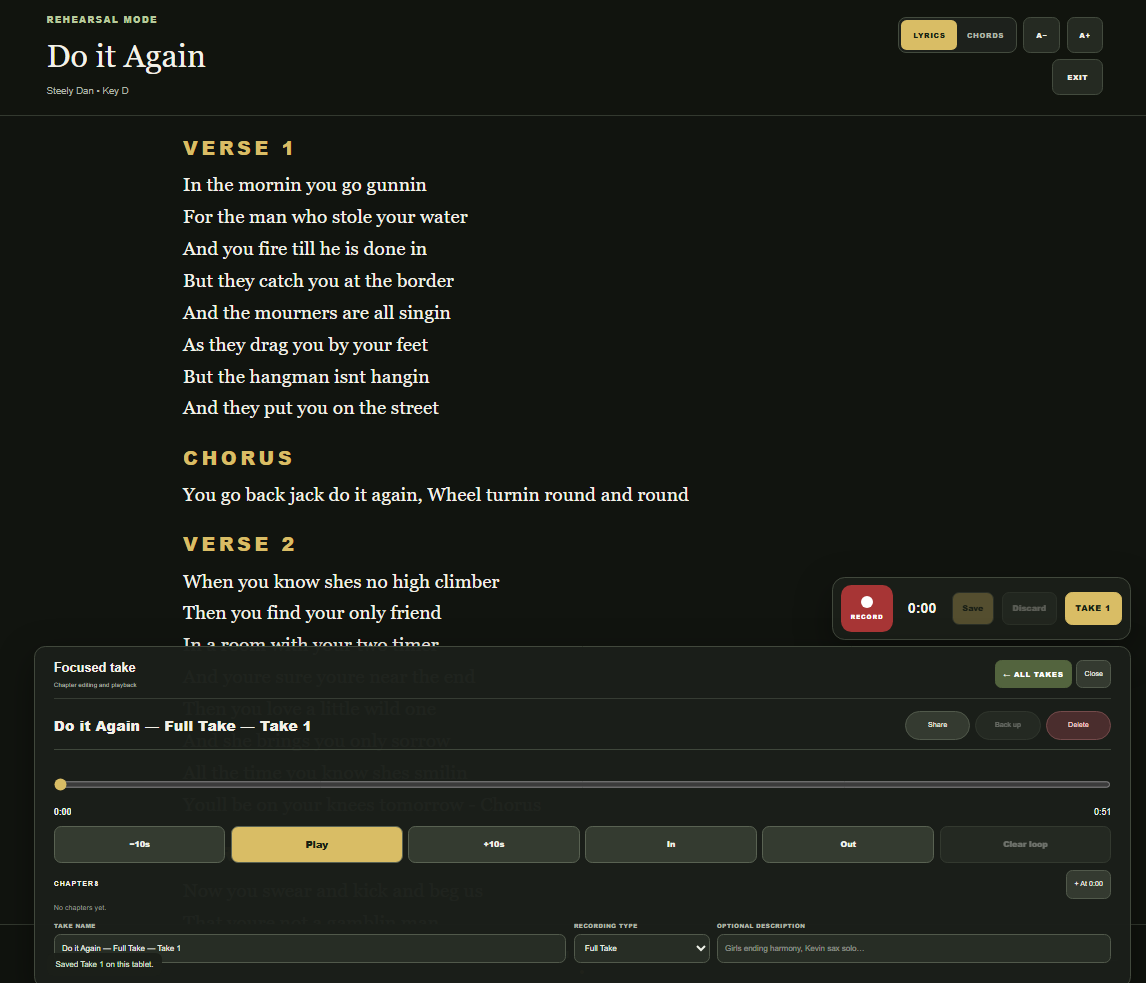
Listen back with the lyrics open.
Open a saved take to play it back, move backward or forward ten seconds, and follow the words as you listen. Give the take a useful name and description so you can recognize the version you want to practice later.
03 / Record · Listen · Rehearse
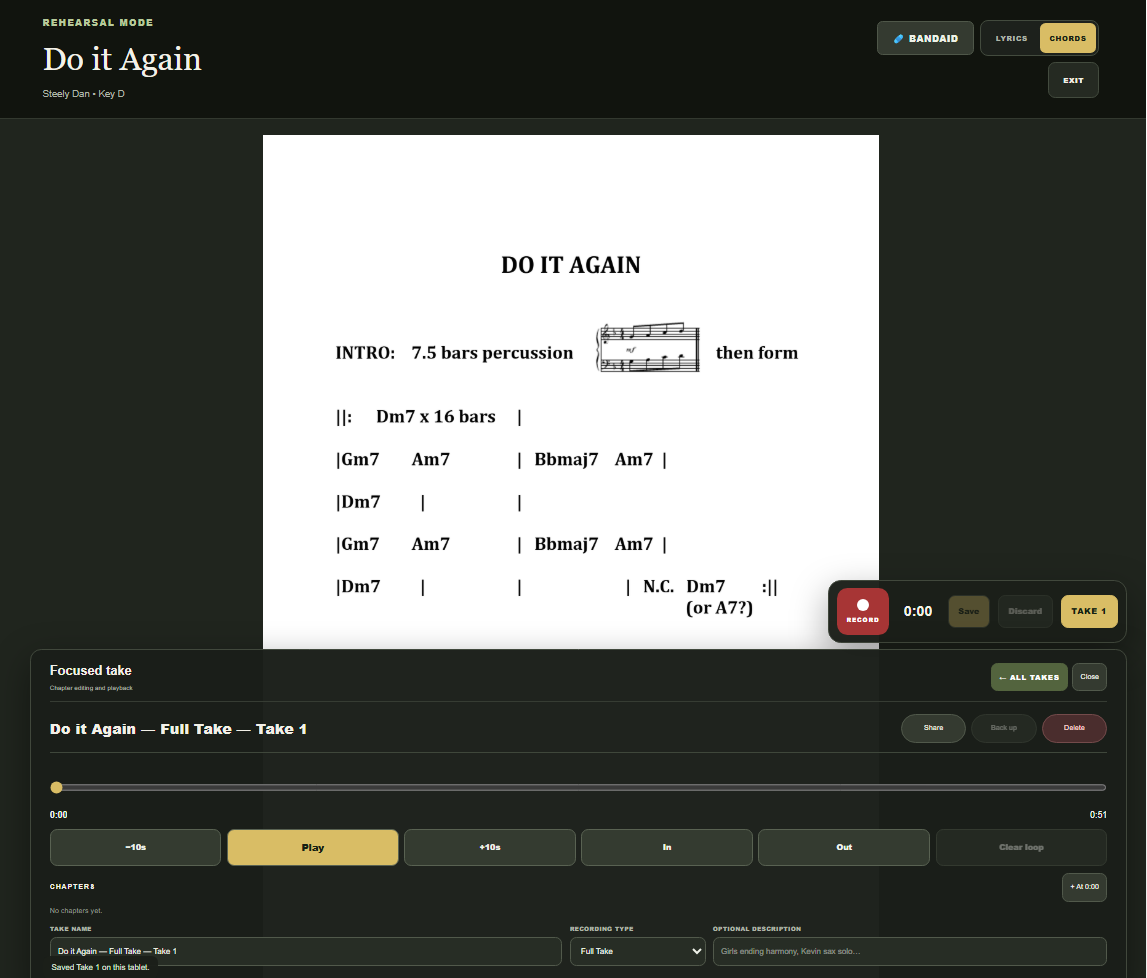
Switch to the chart. Keep working on the take.
Choose the chart view when you need the arrangement in front of you. The focused-take panel remains available below it, keeping the recording and chart together as you check entrances, changes, or the ending.
Make the next run-through count
Go back to the part
that needs another listen.
Use In and Out to mark a practice loop, or add chapters to return to useful points in a take. For example, give the ending its own chapter so you can revisit it without searching through the full recording.
Keep multiple takes with a song instead of replacing the previous attempt. Pro also supports importing recordings, so a take you already have can join the song's rehearsal material.
Build the set for your next rehearsal →Rehearsal questions
Know what is included.
Which plan includes rehearsal recording?
Lyricsheets Pro includes recording and importing multiple takes, chapters, and looping, alongside Chart Builder and band sharing. Pro costs $49 for one year, with no automatic renewal.
Can I follow lyrics or a chart during playback?
Yes. Rehearsal mode lets you switch between lyrics and charts while keeping the focused-take playback controls available.
Can I practice just one section?
Use the In and Out controls to set a loop around the section you want to repeat. Chapters give you named points to return to within a take.
How should I organize different rehearsal takes?
Use names and descriptions that identify the session or arrangement, such as “Thursday rehearsal — new ending.” Keep the takes with their song so the audio and written material are easy to find together.